
MediaLink Switcher[MediaLink Terms of Service] is an iOS application for live streaming on YouTube [YouTube Terms of Service & Google Privacy Policy & Google Security Setting], Twitch [Terms of Use & Privacy Policy], or Facebook [Terms of Use & Privacy Policy]. It can broadcast high-quality videos with external camera easily.

In addition, MediaLink Switcher is packed with real-time creative tools such as overlay, text, PIP (picture in picture) . Now you can be producer, director of your own live show. Just share your adventures and events in full HD streaming anytime and anywhere.
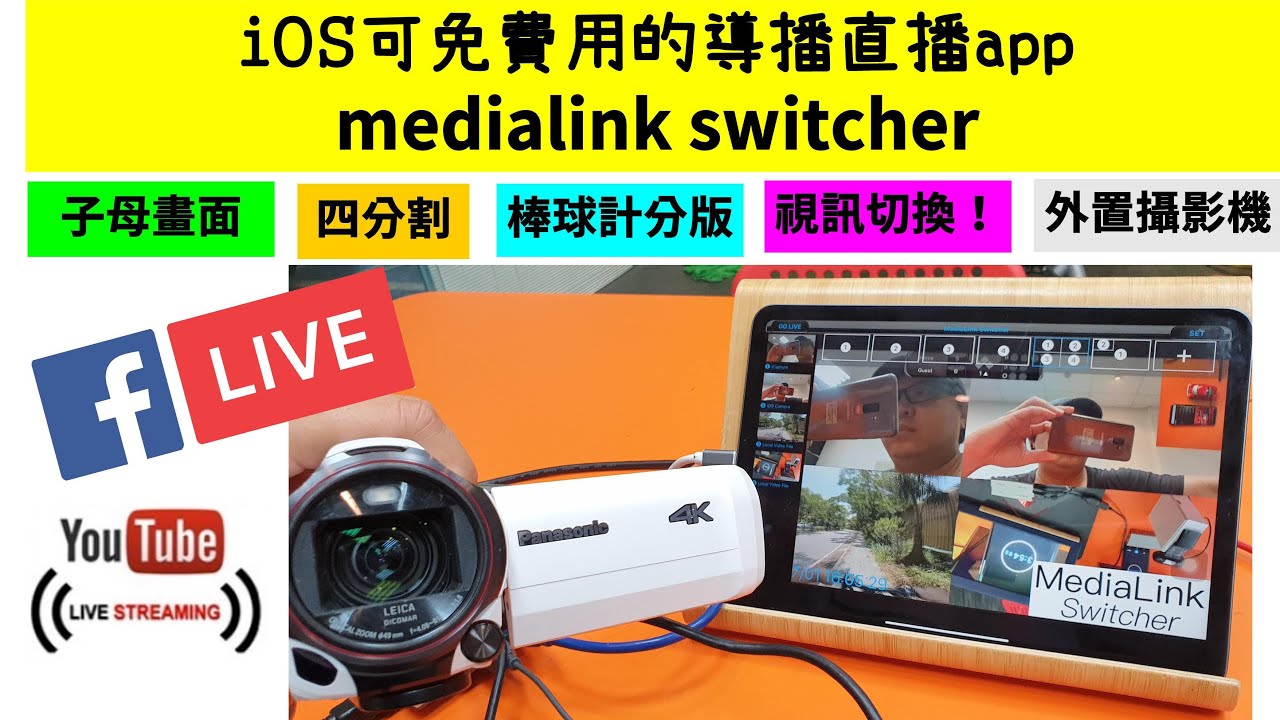
Let's see the introduction of MediaLink Switcher

MediaLink Switcher introduction video

Features Overview

- Social video integrations

Stream live directly to Facebook, YouTube and Twitch.

- Insert pre-recorded videos

Roll in pre-recorded videos from local videos.

- Multi-view layouts

Display multiple video sources at once in split-screen, picture-in-picture or multi-split screen layouts.

- Audio mixer and control

Tracking, locking or multi-channel audio mixer for the video source to cope with various complex occasions to ensure perfect sound for viewers.

- Real-time editing

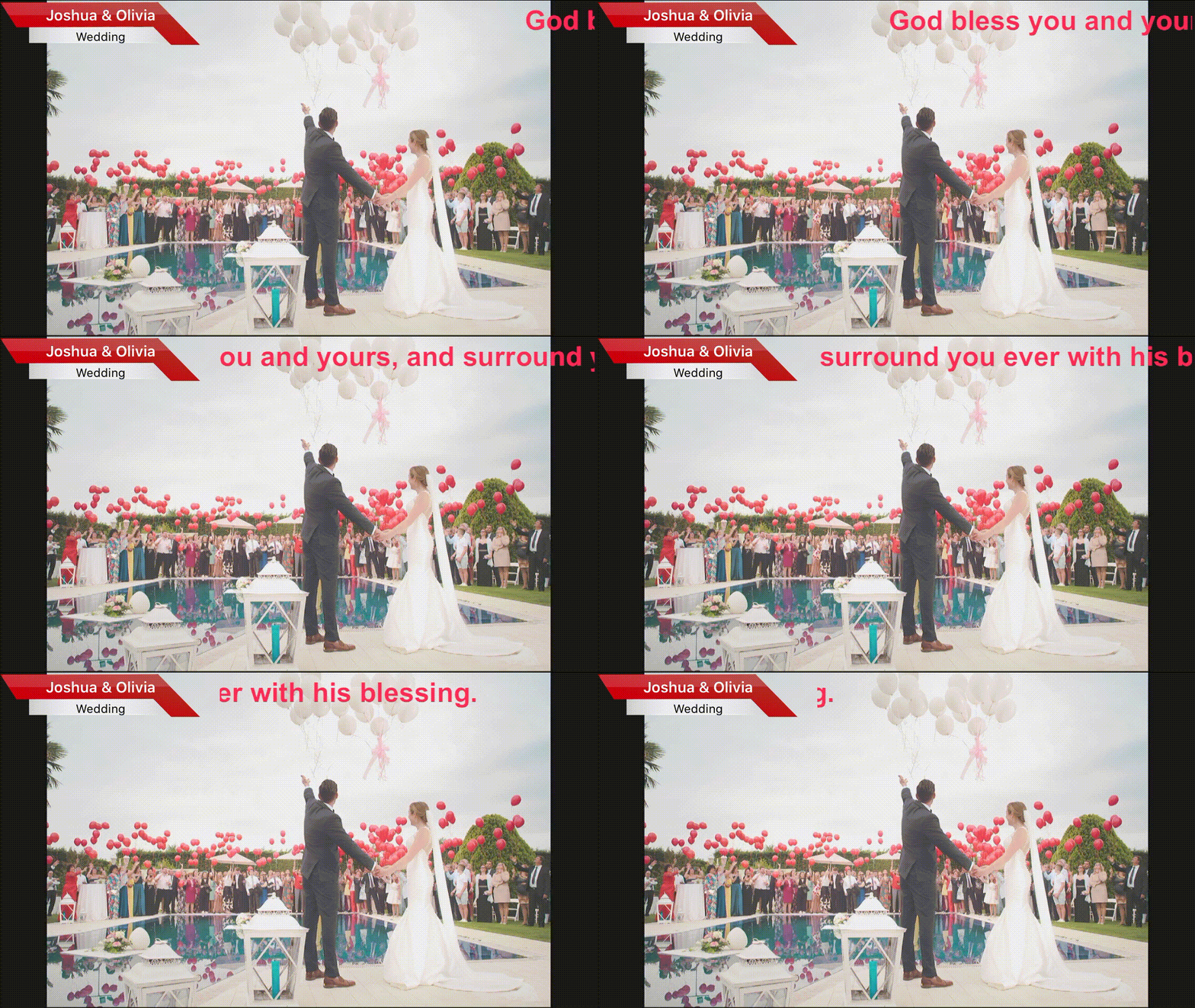
Add text, title, rolling title, image, time, etc.

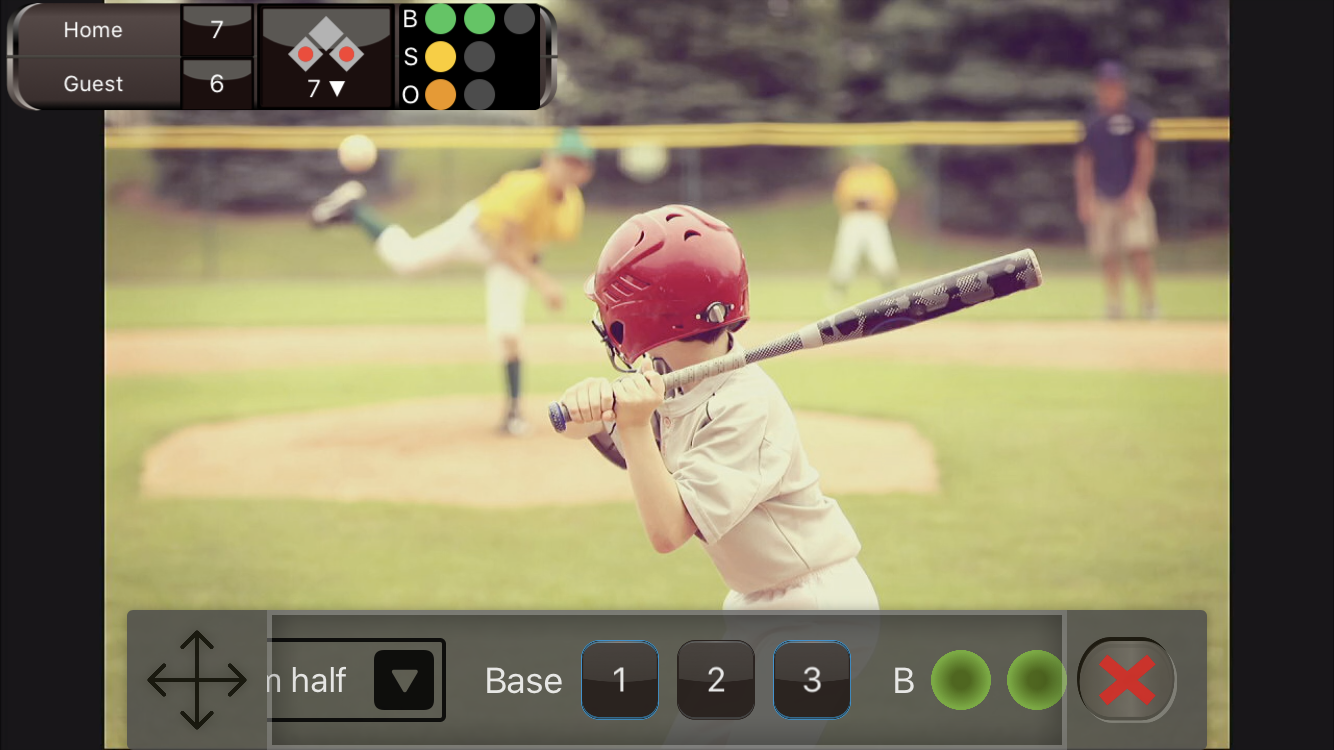
- Score board overlay

Keep score during sports streams with various scoreboard templates.

- RTMP streaming

Use RTMP data to stream to Twitter, Vimeo, Ustream, Restream and other platforms.

- Web browser overlay

You can connect live-streaming donation/subscription alert platforms such as Streamlabs by web browser overlay. Monetize your live broadcast.

- View comments

The Facebook and YouTube comments are displayed on the screen through the watch comments function.

- Video record

Record 1080P high-quality real-time video stored in iPhones / iPads.

Rolling title animation
Switcher scoreboard overlay
Donations and alerts overlay